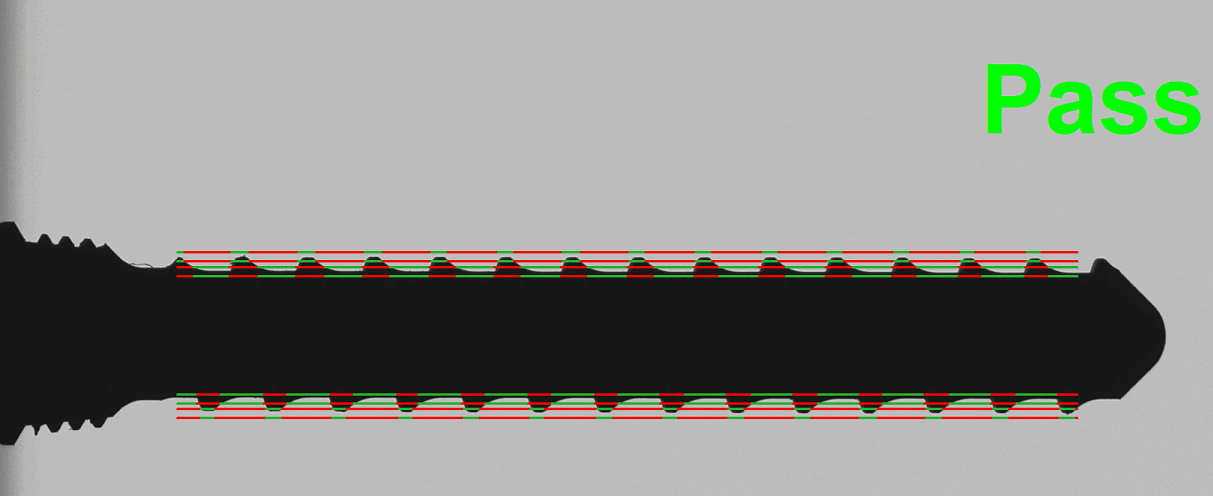
Report Builder Output
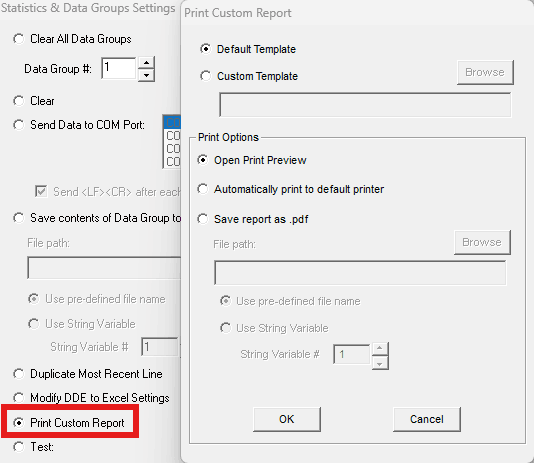
VisionGauge® OnLine now allows users to select a custom report template and automatically print or save the report as a PDF directly from within a Program step. This enables fully automated, standardized report generation as part of inspection workflows.
This new option is found in the Statistics & Data Group Settings of the Program Toolbox.
Wait / Operator Input Settings
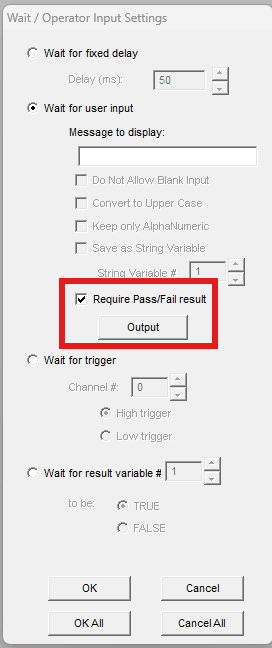
The “Wait for User Input” option in the “Wait / Operator Input Settings” now includes a Require Pass/Fail result option. When enabled, the operator must explicitly select a Pass or Fail outcome before the program continues. This enhancement allows manual verification steps to be formally integrated into automated inspection programs, improving traceability and ensuring that operator decisions are taken as part of the program flow.
Digital Input Monitoring – Resume Program when signal is reversed
An enhancement has been added to Input Monitoring that allows a paused program to automatically resume when a monitored digital input returns to its original state. When configured within the “Pause Program” input section on the Input Monitoring settings, a program can pause when a specific input signal changes (high or low), and, if enabled, automatically resume once that signal is reversed. This gives the user more flexible control for signal-based automation workflows, allowing seamless pause-and-resume behavior based on external input conditions.
Measurements – Marker-to-Marker Closest and Furthest Point on a Circle
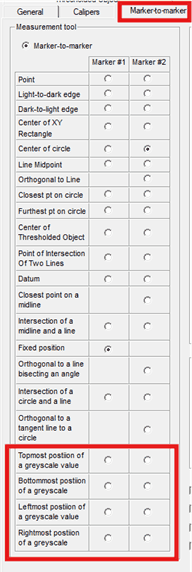
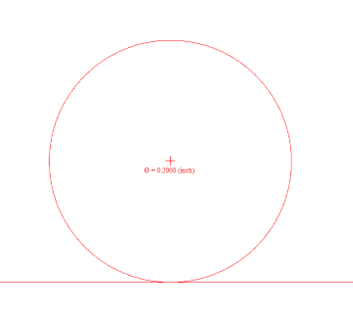
The Program Toolbox now supports selecting the Furthest Point or Closest Point on a Circle for Marker 1. This enhancement expands geometric analysis capabilities by allowing programs to automatically determine extremum points on circular features, improving flexibility for advanced measurement and automation workflows.
Min-Max Tool – Output Extremum Position
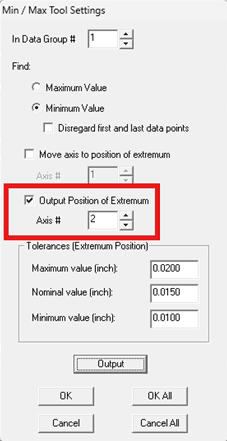
The Program Toolbox “Min/Max tool” step now includes the option to output the stage position at which the minimum or maximum value is found directly to a Data Group. When analyzing measurement data, the system can determine not only the extremum value, but also the axis position where it occurs. This position can now be recorded and evaluated independently within a Data Group, enabling additional Pass/Fail criteria based on location. For example, when rotating a part to identify a maximum feature value, the software can now output the angle at which that maximum occurs, allowing programs to verify whether it falls within an acceptable range.
Set Numerical/String Variables – Append Most Recent Pass/Fail Result
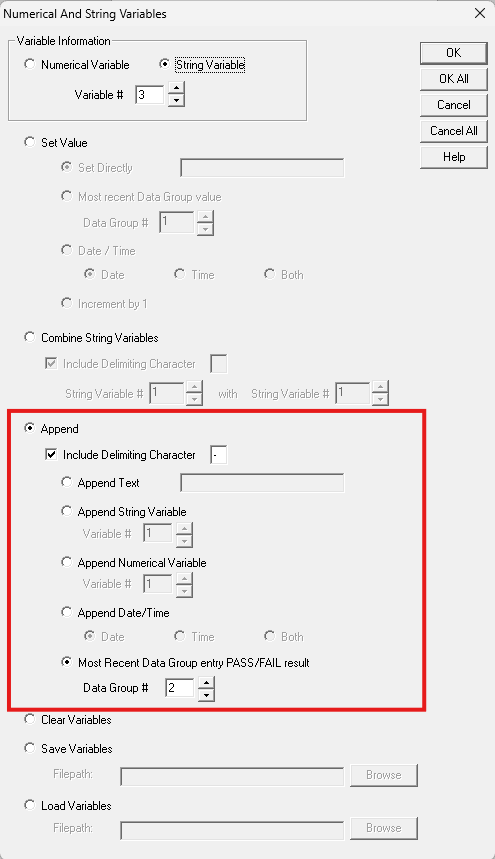
The Program Toolbox “Set Numerical/String Variables” step now includes the option to append the most recent Pass/Fail result from a Data Group to a String Variable. This enhancement enables inspection outcomes to be incorporated directly into program logic, labeling, or reporting workflows.